DualSense compatibility: check the connection and the game
Pairing a controller and accessing its individual features are separate checks.
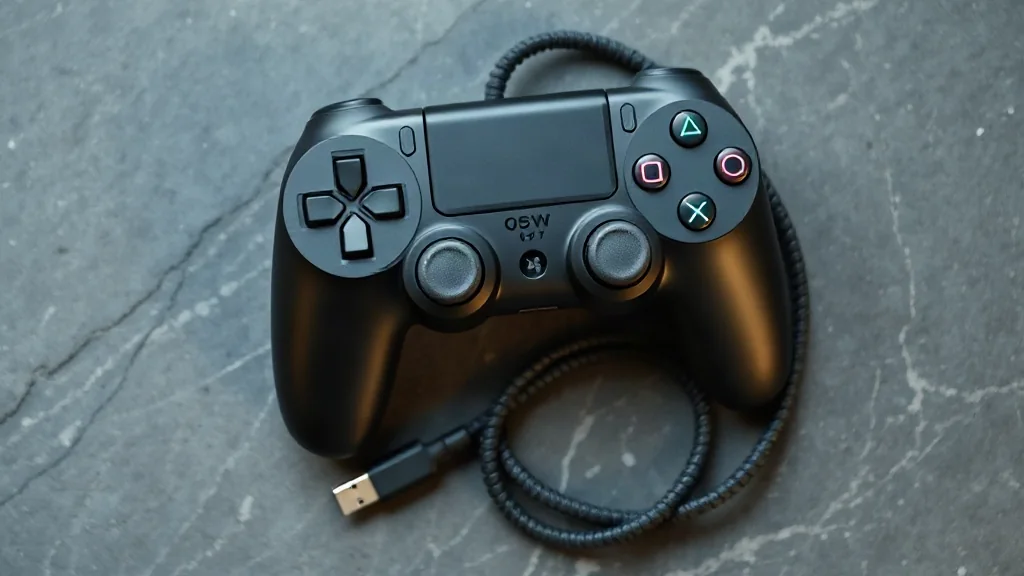
Start with the device you intend to use. DualSense pairs with supported devices through Bluetooth or USB, so compatibility is the first check before choosing a connection. A successful pairing answers the connection question; individual game features still vary.
On PC, haptic feedback requires USB in supported games. If that feature matters to your setup, check both conditions together: the game must support it, and the controller must use the required connection. Bluetooth pairing alone does not establish that haptic feedback will work.
A practical checklist therefore has three entries: supported device, connection method and game features. Keeping those entries separate helps you assess your existing equipment and decide how to connect it. Treat each game as its own compatibility question rather than extending one title’s feature support to the rest of your library.
Browse PC controllers on Amazon UK